Pet Portrait Photo Tips
How to select or take pictures of your pet
Your photos are the most important part of your pet's portrait. The clearer they are, the more your pet’s portrait will look like your pet. Good news: your phone is all you need!
*Note: If you are sending pictures for a magazine cover, we’re only interested in head and shoulders. So don’t worry about sending full-body photos.
Below are some quick-start tips. Keep reading for more detailed pointers.
Quick tips checklist
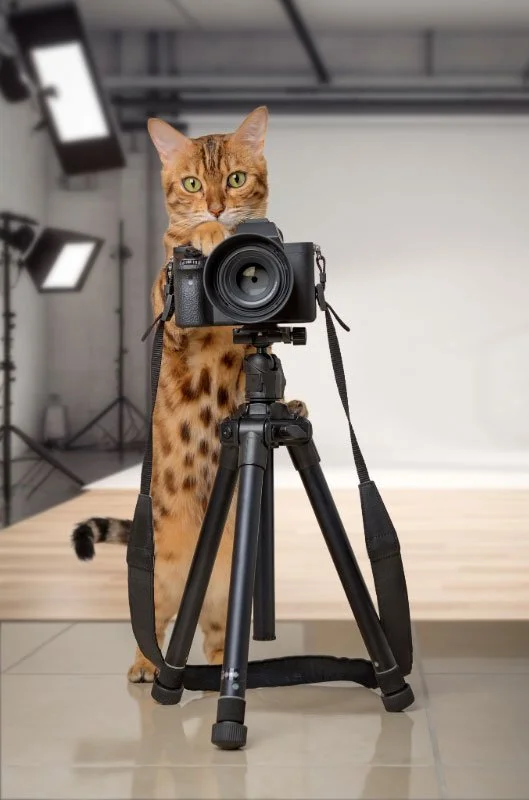
Daylight. Shoot outdoors or next to a big window. No flash.
Eye level. Get down on the floor so the camera is level with your pet's eyes.
Sharp eyes. Tap the screen on your pet's eyes to focus. Blurry eyes are the #1 portrait-wrecker.
Whole head in the frame. Don't crop off ears, tufts, or (for full-body) paws and tail. I can't draw what I can't see.
True colors. No filters, beauty modes, or heavy editing.
The original file. Not a screenshot, and not a download from Facebook or Instagram.
A few options. Send 3 to 5 photos so I can pick the best one and check markings from other angles.
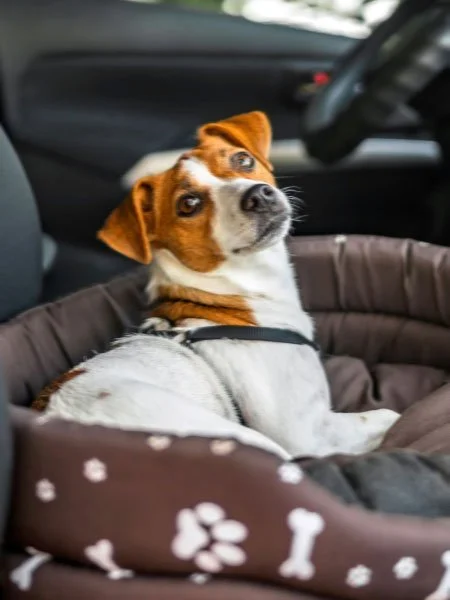

Super-cute but blurry.
Details are lost.
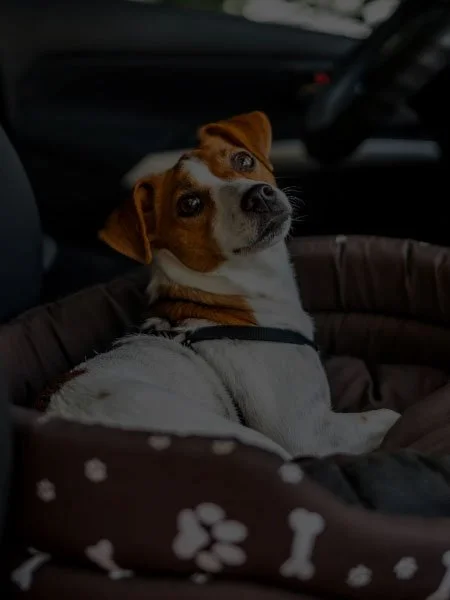
Super-cute but dark.
Can’t see the little guy’s features.
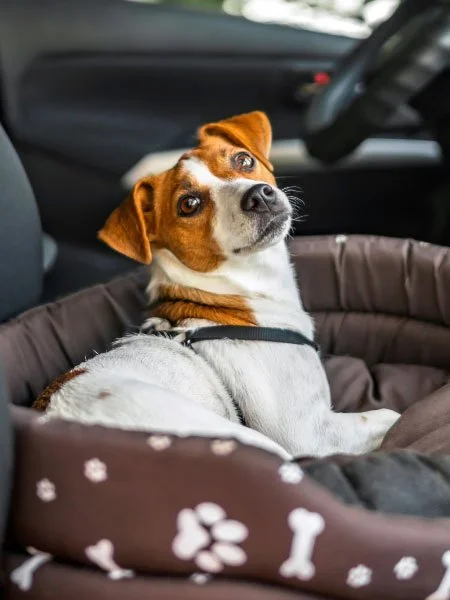

Super-cute and great reference.
Clear, sharp, well lit.
Reference Photo Guidelines
Find the light
Go outside, or shoot beside your brightest window. If the sunlight is direct, this could “blow out” areas of your pet’s face so use a sheer curtain to filter the direct light. If it’s overcast, no curtain or screen is needed.
A bright, overcast day is ideal. On sunny days, move into open shade so there are no harsh shadows or squinting.
Early morning and late afternoon light is soft and flattering.
Turn the flash off and don’t use indoor lamps. They wash out fur color and cause glowing "alien" eyes.
Get down to their level
Kneel, sit, or lie on the floor so your phone is level with your pet's eyes. If our subject is a cat, you could set them up on a table.
Do not photograph from overhead. Photos taken from above make heads look big and distorted.
Get in close but stay a couple of feet back. Phone lenses held right up to the nose make it look huge.
Get their attention
Hold a treat or squeaky toy just above your phone, make a noise, and snap the moment they look.
Turn on burst mode and take lots of shots. One great frame out of twenty is normal.
Recruit a helper to hold the treat or keep your pet in place.
Keep it short and fun. A relaxed pet makes a better photo than a stressed one
Frame it well
Fill most of the frame with your pet, but leave a little room around the edges.
Check that ears, whiskers, and fur tufts are all in the picture.
Sitting or standing poses work better than lying down.
Facing the camera, or turned slightly to one side, both work. Make sure both eyes show.
Again, turn off portrait mode. It can blur the edges of fur and ears.
Show their personality
This is where my work comes alive. Along with your main photo, send me the shots that make you laugh: the head tilt, the side-eye, the tongue that never goes back in. These details end up in the story.
Black and dark-coated pets
Go outside in bright, even light. Dark fur swallows detail indoors.
Choose a lighter background, like grass, a tan wall, or a light blanket, so your pet doesn't disappear.
On your phone, tap their face, then slide the brightness down slightly so the fur stays rich black instead of gray.
Avoid flash. It creates shiny streaks on dark coats.
Send the best version of the file
Send the original photo from your phone or camera.
Please, no screenshots, and no images saved from Facebook, Instagram, or text threads. These shrink the file and lose detail.
If your phone asks what size to send, choose "Actual Size."
Quick test: zoom in on your photo. If you can see individual hairs, it's perfect.
Which photos to send
A clear, front-facing photo of the face (your main photo)
A three-quarter view, turned slightly to one side
Close-ups of any special markings, spots, or eye color
One or two personality shots
More than one pet?
You don't need a photo of everyone together. Send separate photos of each pet and I'll bring them together in one piece.
Surprising someone with a gift?
Ask a family member or friend to send you the original photos from their phone (you can direct them to these guidelines), rather than saving pictures from social media.
Better yet, give them a gift certificate and they will send their favorite photos.
What I can adjust, and what I can't
I can: leave out collars and leashes, and tidy up drool, messy fur, or eye goop.
I can't: add features hidden in the photo, like an ear that's not showing, or guess at true fur and eye color in a dark or filtered photo.
My photo check
I review every photo before I start. If your photos won't work, I'll let you know within 2 business days and help you choose.
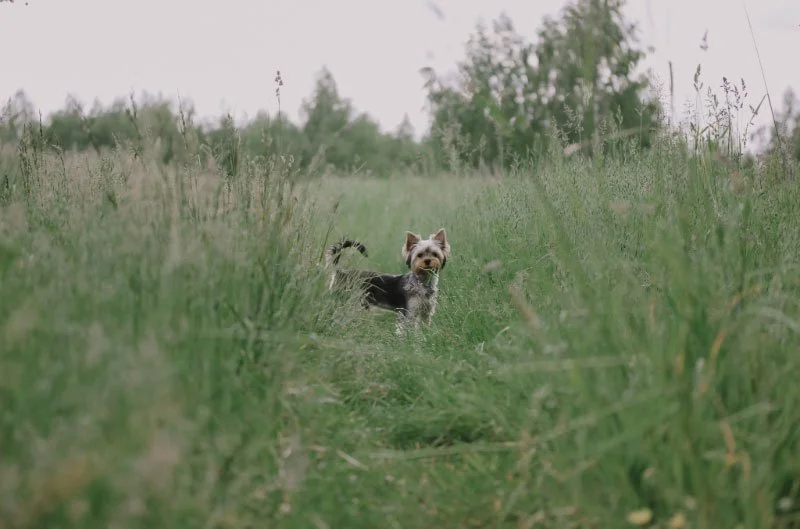
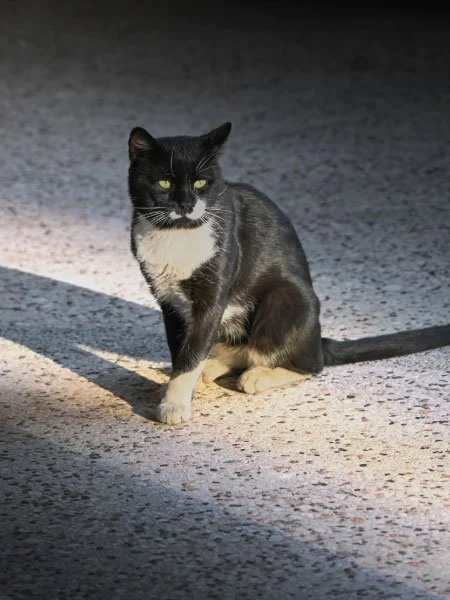
The dog is too far away.
Too dark; can’t see details.
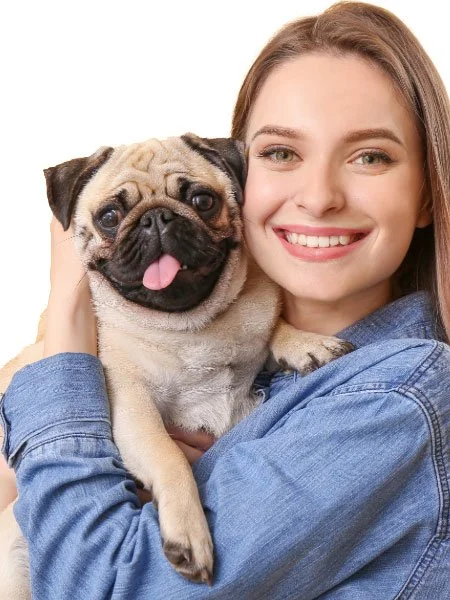
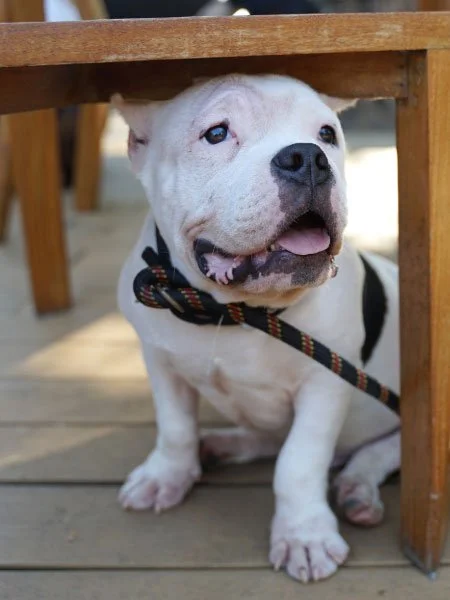
This photo is good as a “personality photo” but it wouldn’t work as the main image because we can’t see the ears.
This photo is good because none of the dog’s features are blocked and it’s a good close-up.
Final tip
Have fun!
If you have any questions about your photos before ordering (or anytime), send me a message and I’ll do my best to help :-)